By Mahak Sharif · 1 November 2026
How to Download Audio From a Facebook Video
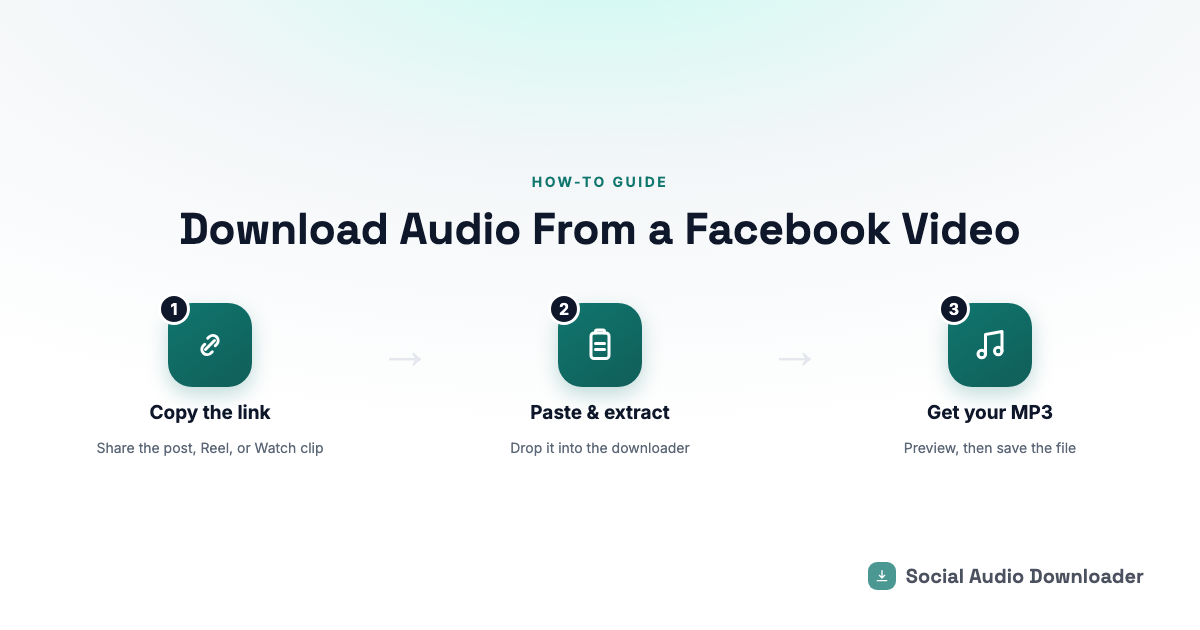
If you want to download audio from a Facebook video — a voiceover, a song, a soundbite someone posted — you don't need to download the whole video file first and convert it yourself. The fastest way is a browser-based tool that pulls out just the sound.
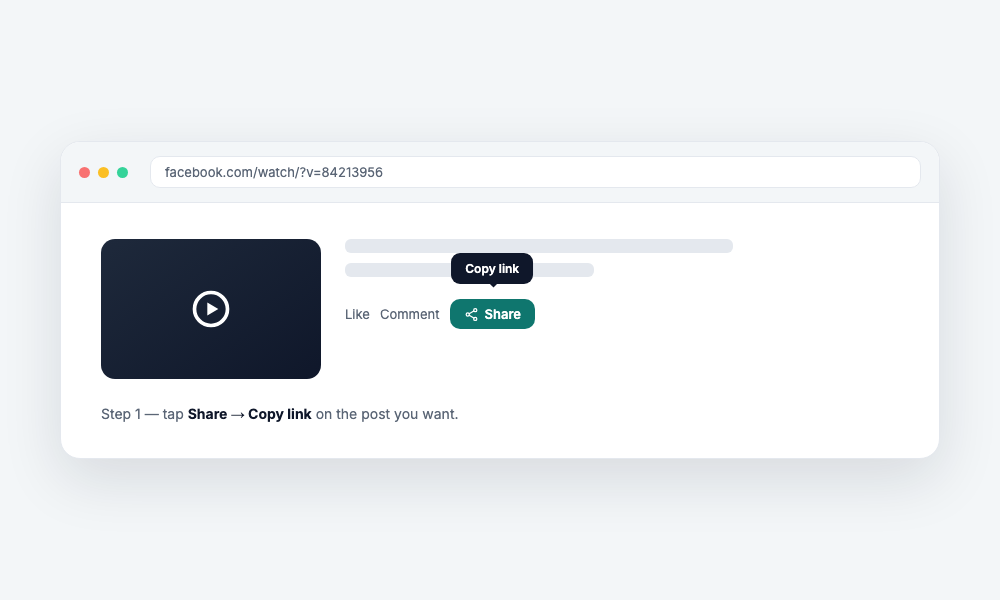
Step 1: Copy the Facebook video link
Open the Facebook post, Reel, or Watch clip you want. Tap the share icon (or the three dots on desktop) and choose Copy link. This works the same way whether the video is a regular feed post, a Reel, or a Watch video.
Step 2: Paste it into a Facebook audio downloader
Go to the Facebook audio downloader and paste the link into the box. No account or sign-in is needed — the tool fetches the post directly from the link you give it.
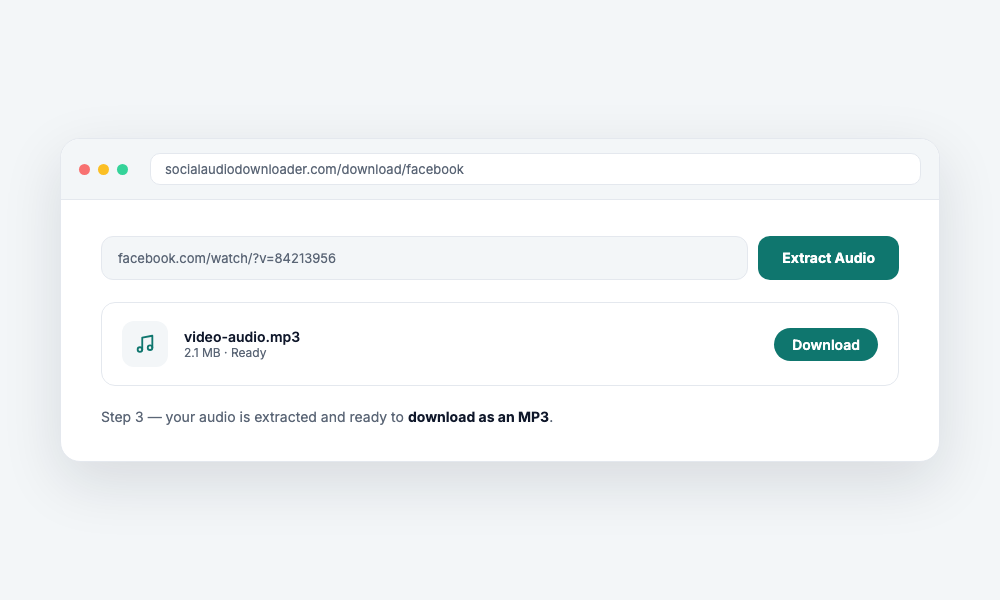
Step 3: Download the MP3
Hit the button and the audio is extracted and handed back as a clean MP3 file, usually within a few seconds. You can preview it right there before saving it to your device.
What if I want the full video, not just the audio?
If you actually want the video itself — not just the sound — that's a different job. A dedicated Facebook video downloader saves the original MP4, with no watermark added.
Why can't I just download the video and extract the audio myself?
You can, but it means downloading a much larger file, then using separate software to strip the audio track out — two extra steps for something a dedicated audio tool does in one.
Is it free?
Yes. There's no account, no limit on how many times you use it, and nothing is kept on the server after your file is generated.