By Mahak Sharif · 3 November 2026
How to Download TikTok Sounds and Audio
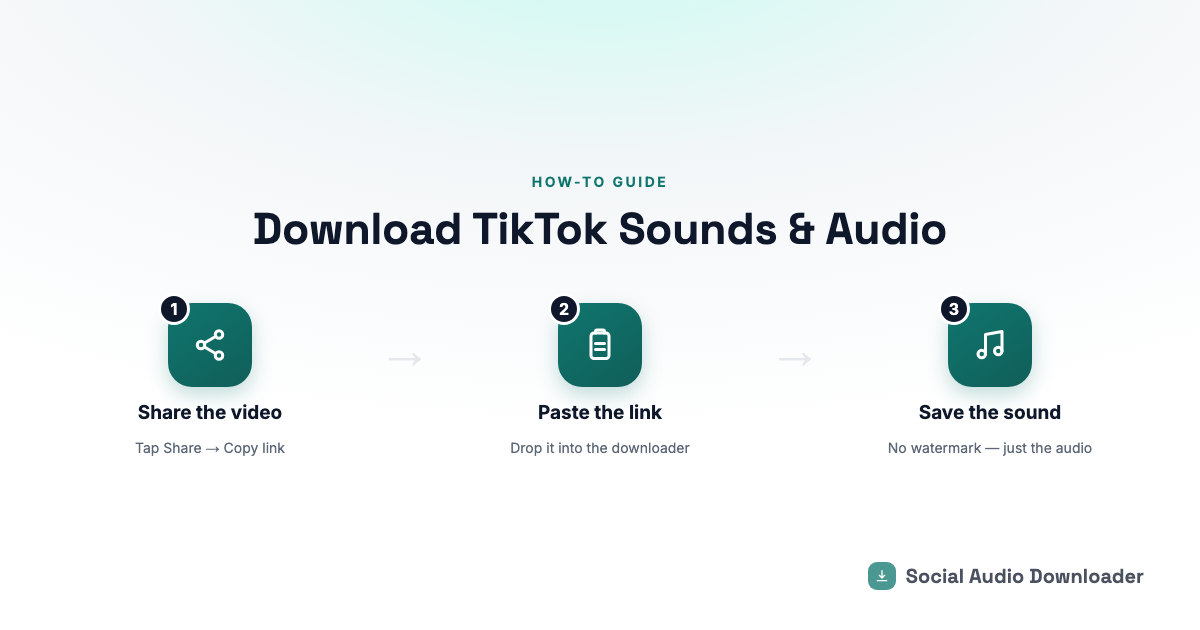
Whether you call it downloading a TikTok sound, saving TikTok audio, or pulling the music out of a TikTok video, it's the same thing: getting just the sound, as its own file, without the video attached.
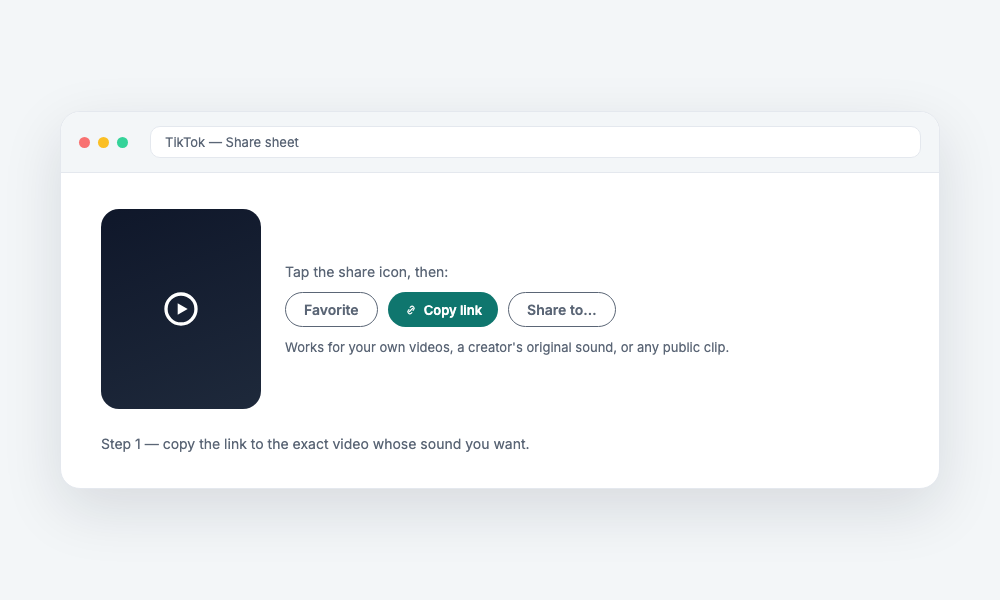
Step 1: Get the TikTok link
On the TikTok app, tap Share on the video, then Copy link. On desktop, copy the URL straight from your browser's address bar.
Step 2: Paste it into a TikTok audio downloader
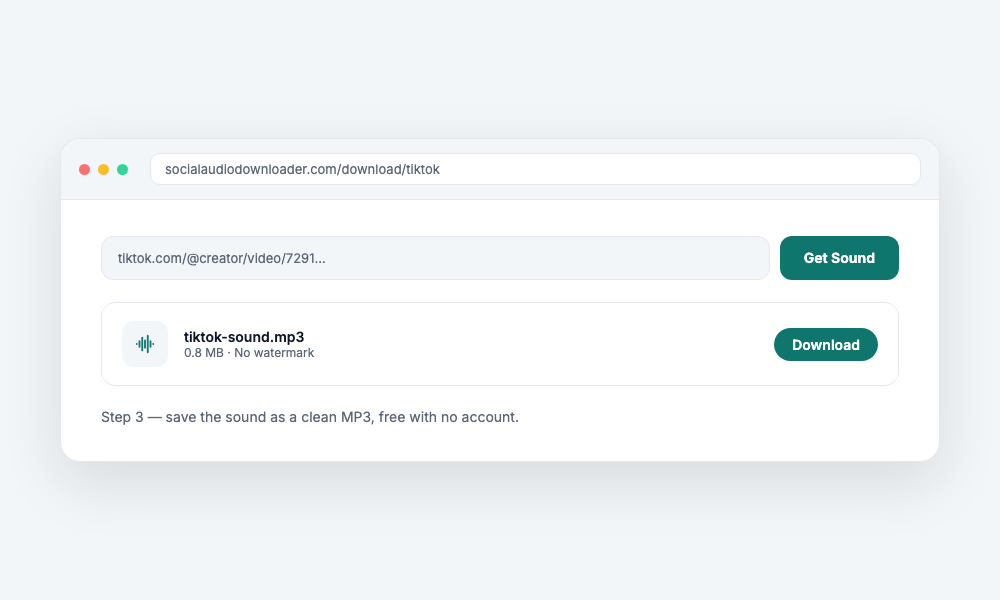
Head to the TikTok audio downloader and drop the link in. It works for any public TikTok video — your own, a creator's original sound, or a trending clip.
Step 3: Save the MP3
The audio is pulled out and converted to MP3 in a few seconds, ready to preview and download. No watermark, since there's no video involved at all — just the sound.
Does this work for trending sounds, not just the original video?
Yes — it works on the specific video you link to. If a sound originated on one video and you want that exact version, paste a link to that video rather than a video using the sound as a cover.
Why not just screen-record the video for the audio?
Screen recording picks up whatever else is playing on your device too, and still leaves you with a video file to convert afterward. Pulling the audio directly skips both problems.
Is there a limit on how many TikTok sounds I can download?
No — it's free with no account and no cap on how many times you use it.